RapidOne, a RAW editor for the future
Cull, edit and retouch a whole shoot in one app, entirely on your own computer. No uploads. Free and open source, out now for Linux, with Windows and Mac coming soon.
There’s a wave of new open-source editors, like LightCraft and RapidRAW, rebuilding Lightroom’s workflow. I wanted to make something fresh instead of replicating a legacy app.
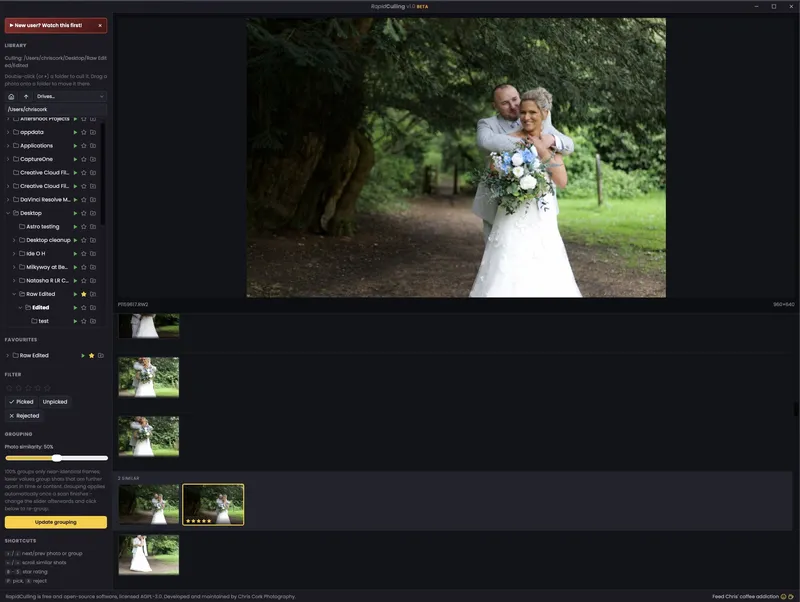
I wanted one app that does a whole shoot from start to finish, culling, editing and retouching, without sending my clients’ photos to someone else’s server. So I built RapidOne, with its own RAW engine, and brought RapidCulling and RapidRetouch into it as tabs.
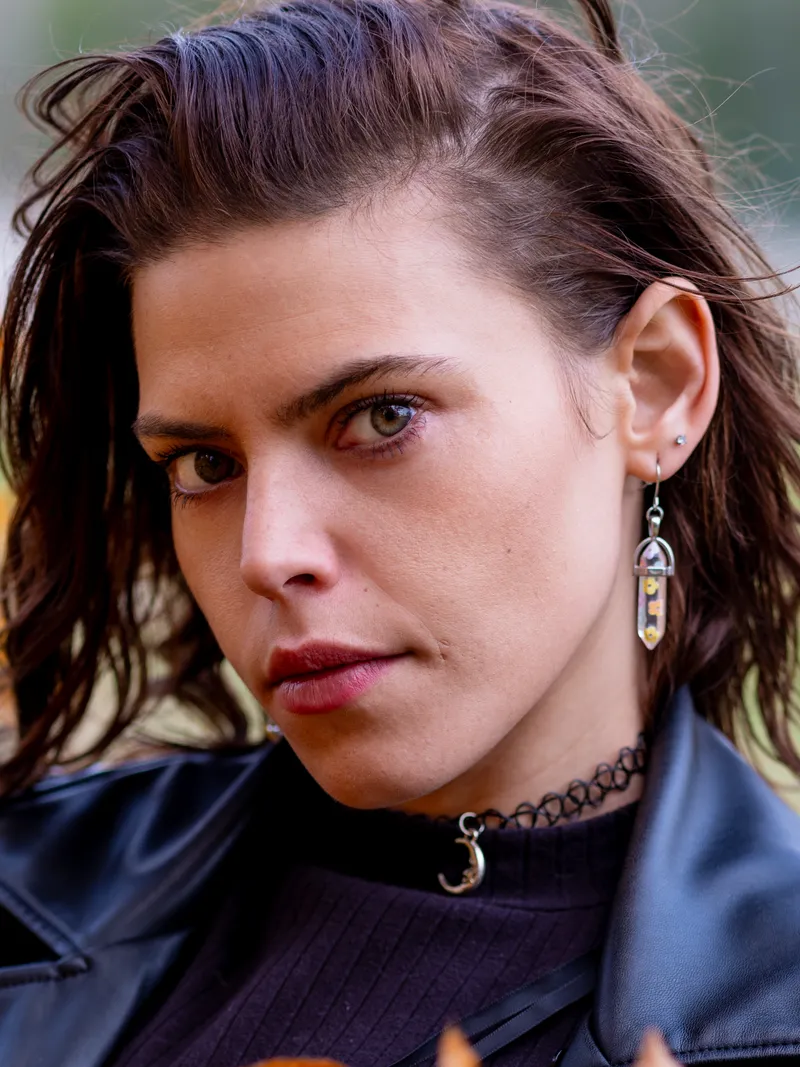
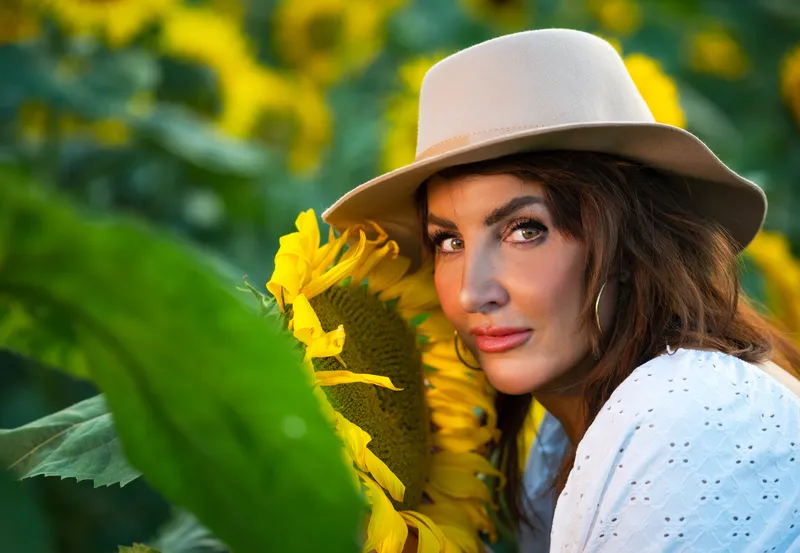
Like Aftershoot, it learns your editing style from photos you’ve already edited, then applies it evenly across a whole wedding, but on your own computer. It also reads your Lightroom and Aftershoot edits. Then retouch portraits Evoto-style in the Retouch tab: skin, blemishes, eyes, teeth and creased backdrops, all as sliders. Masks, AI Erase, Patch and AI Denoise are built in too, and every edit is non-destructive: your RAW files are never changed.
It runs entirely on your own computer. The first release is for Linux, where nothing like it existed, with Windows and Mac following soon. No uploads, no accounts, and it’s free and open source.
A RAW editor made by a working photographer for working photographers. Enjoy!
Recent changes
- 24 October 2026 (v1.0): First release, for Linux: Cull, Edit and Retouch in one app, its own RAW engine, Aftershoot-style AI editing that learns your style, Evoto-style retouching, masks, AI Erase, Patch, AI Denoise and Lightroom XMP support.
Features
- Cull, Edit and Retouch tabs on one folder of photos
- {‘Evoto-style AI portrait retouching’: ‘skin, blemishes, eyes, teeth, backdrops, dodge and burn’}
- Its own RAW engine, with Lightroom-style sliders, curves, colour mixer and grading wheels
- Masks, including an automatic subject mask, plus brush, linear and radial
- Erase objects with AI, and Heal or Clone with the Patch tool
- AI Denoise, with Denoise all for every photo above a chosen ISO
- Reads Lightroom and Aftershoot XMP edits, crops included
- {‘Aftershoot-style AI editing’: “it learns your style from photos you’ve already edited, then edits a whole shoot evenly”}
- Cull from your phone on the same Wi-Fi
- Export to JPEG or 16-bit TIFF, with export presets
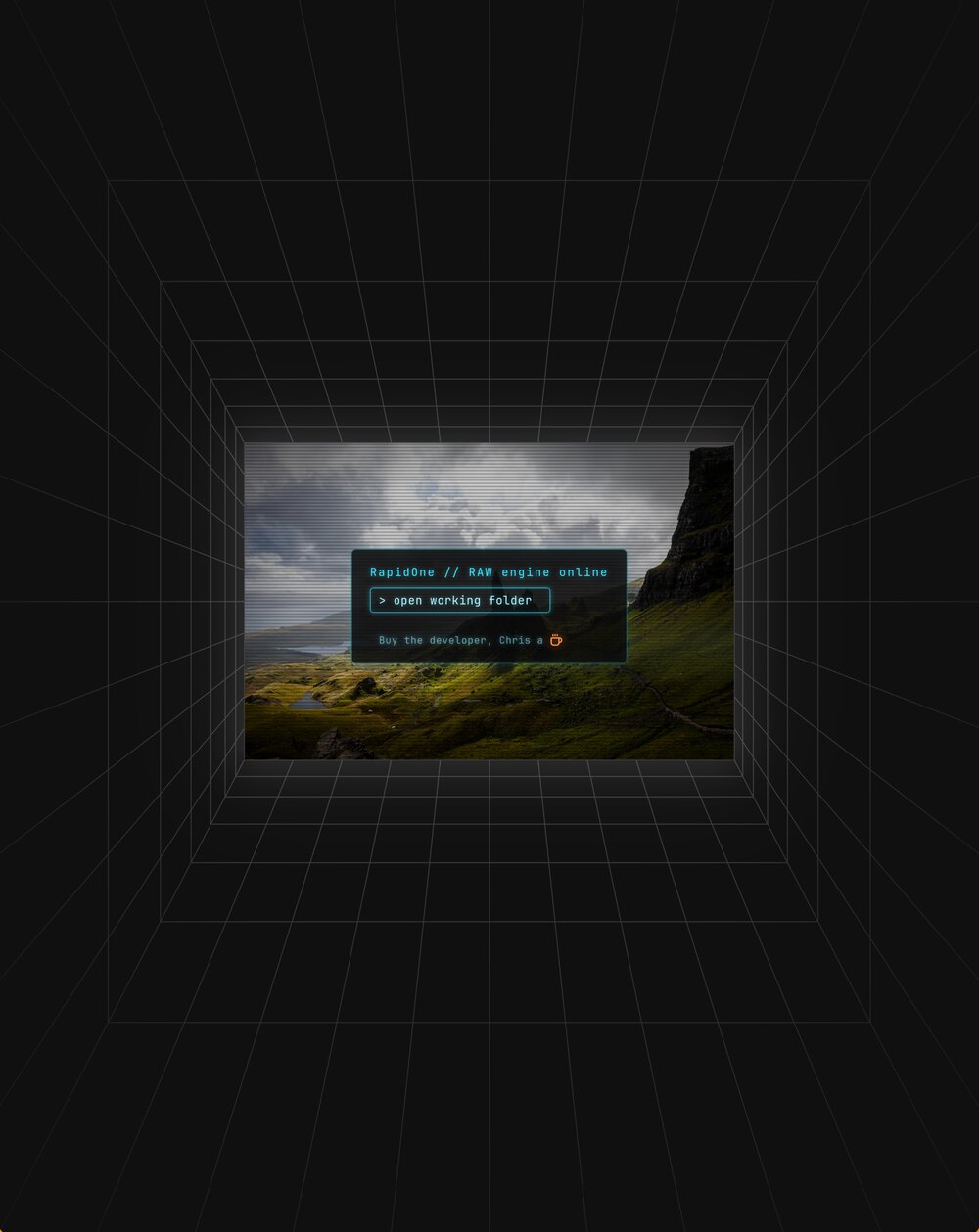
 Learn RapidOneWatch on YouTube
Runs on Ubuntu 24.04 or newer, Linux Mint 22, Fedora 40+, Debian 13, Arch, Omarchy and other recent distributions.
AppImage: make it executable, then run it: chmod +x RapidOne_linux_x86_64.AppImage then ./RapidOne_linux_x86_64.AppImage. On Ubuntu 24.04 and newer, if it doesn’t start, install FUSE 2 once with sudo apt install libfuse2t64. To add it to your applications menu, open it with Gear Lever or AppImageLauncher.
.deb (Ubuntu, Mint, Pop!_OS, Debian): sudo apt install ./RapidOne_linux_amd64.deb adds it to your menu with its icon.
If the window comes up blank, start it once with RAPIDONE_SAFE_DRAWING=1 ./RapidOne_linux_x86_64.AppImage. Edit’s AI tools are included and work offline; Retouch downloads its AI engine the first time you open it (about 1 GB, or 3 GB with an NVIDIA graphics card). Full details are on GitHub.
Found a bug or have an idea? Report it on GitHub.
Free to download and use. If it helps your workflow, you can buy me a coffee.
Questions people ask
Is RapidOne free?
Yes. It’s free and open source (AGPL-3.0), with no accounts or uploads. If it helps your work, you can buy me a coffee.
How is RapidOne different from LightCraft or RapidRAW?
LightCraft and RapidRAW are both good open-source projects rebuilding Lightroom’s workflow. RapidOne takes a fresh approach instead of copying a legacy app. Culling, editing and AI retouching are one app, it can learn your editing style from photos you’ve already edited and apply it evenly across a shoot, and it still reads your Lightroom and Aftershoot edits.
Can it learn my editing style like Aftershoot?
Yes. Point it at folders of photos you’ve already edited and it learns your white balance, exposure and look, then edits a whole shoot evenly in your style. It all runs on your own computer.
Can it retouch portraits like Evoto?
Yes. The Retouch tab is RapidRetouch built in: Evoto-style AI portrait retouching for skin, blemishes, wrinkles, eyes, teeth, backdrops and dodge and burn, all as non-destructive sliders. It runs on your own computer, with no uploads.
Does it work with my Lightroom edits?
Yes. It reads Lightroom and Aftershoot XMP sidecars, including crops, and it can use Adobe’s camera profiles if you add your own.
Which computers does it run on?
The first release is for Linux (Ubuntu 24.04 or newer, Mint 22, Fedora 40+, Debian 13, Arch and others). Windows and Mac versions are coming soon.